Puzzle
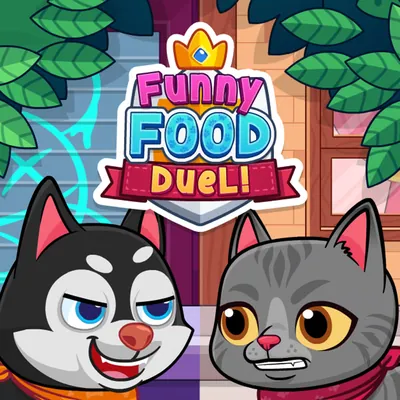
Cute animals race for treats. Tap fast to eat the good food and skip frozen or spoiled food, which takes points away. One or two players share it. It suits quick rounds with a friend.
Two animals race to eat the treats that appear. Good food gives points. Frozen or spoiled food takes points away, so the skill is knowing what not to eat.
One key per player: A for player 1 and the Left arrow for player 2. Poki lists it as one or two players, so a second person can take the other key.
Two people at one keyboard, or one person who likes quick reflex rounds.
| A | Eat (player 1) |
|---|---|
| Left arrow | Eat (player 2) |
Yes. Poki lists one or two players, with a separate key for each.
Frozen or spoiled food, as Poki describes.
Poki lists phone and tablet. The listed keys are A and Left arrow, so touch is best checked on Poki.
No account is mentioned on Poki.
The game runs on poki.com, a separate site that is not run by Sorikostekmist. The link opens in a new tab.
Open Funny Food Duel on Poki → (opens in a new tab)